
General contractors
Bill on progress. Show the owner every dollar.
Residential or commercial, you run several jobs at once and bill as each one moves forward, whether that is cost-plus, a fixed price or draws. The owner has to trust the numbers behind every invoice, and transparency along the way is what keeps that relationship strong.
How Asset Card helps
Track job spending as it happens, project by project.
Invoice clients with ease. Bill progress and draws from the spending already tracked on the job.
Give owners a client dashboard so they can follow the job without calling you.
See live budget versus actual on every job, so surprises show up early.
Run one job through Asset Card.
Hendrick’s Residence, a custom home, from the signed contract to the profit and loss.
Step 1 of 6 · Set up
Set up the job
Name it, set the budget and activate. Hendrick’s Residence gets its own account, then a sub-project for each phase.
Get your draws
Split the contract into payment installments, one per draw. The homeowner pays each one from the payment schedule, straight into the job’s account.
Spend from the job
Mike’s card is tied to this project, with a daily limit and blocked categories. Every swipe lands on the job as it happens.
Pay vendors and subs
Bills fill themselves in, wait for the approvals you set, and every payment needs a 6-digit code before it goes.
Code it with Arvis
Arvis suggests the GL and cost codes from your coding history, you apply them, and the receipt is attached to each charge.
Budget vs actual, and profit
At handover every sub-project shows spent against its budget, and the job’s profit and loss is ready, synced to QuickBooks.
Open a new project
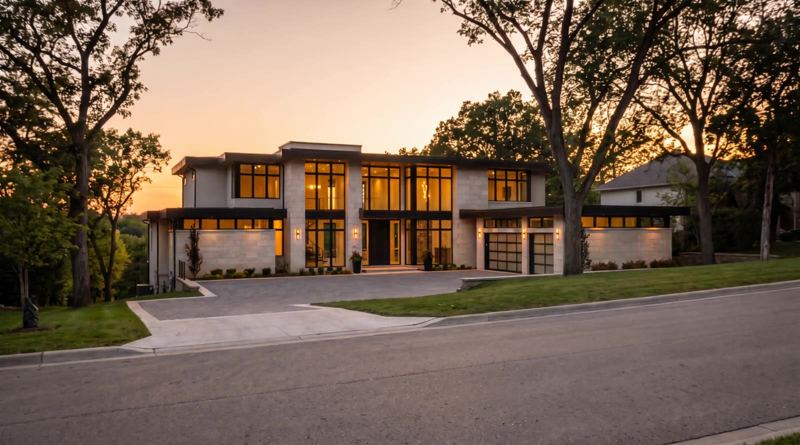
Hendrick’s Residence
So far in this example
Balance
$0
Received
$0
Spent
$0
Budget used
0%
See every step in this stage
What’s happeningStep 1 · Set up
- Open a new project
- Name it Hendrick’s Residence
- Set the projected budget at $1,150,000
- Add notes and the address
- Activate it
- Its own account opens, ••4821
- Add 5 sub-projects, each with its own budget
Dashboards and amounts shown are examples for illustration.
Now run four of them.
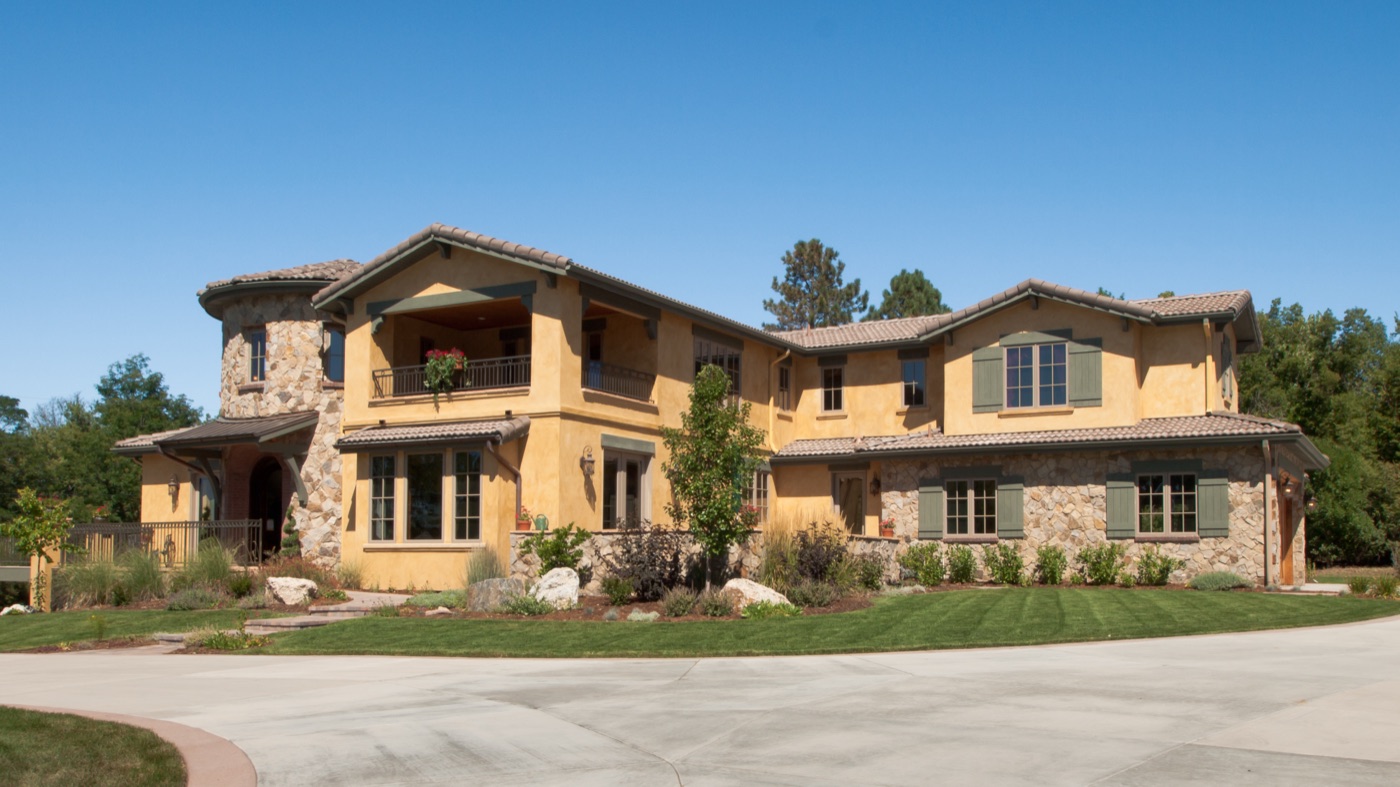
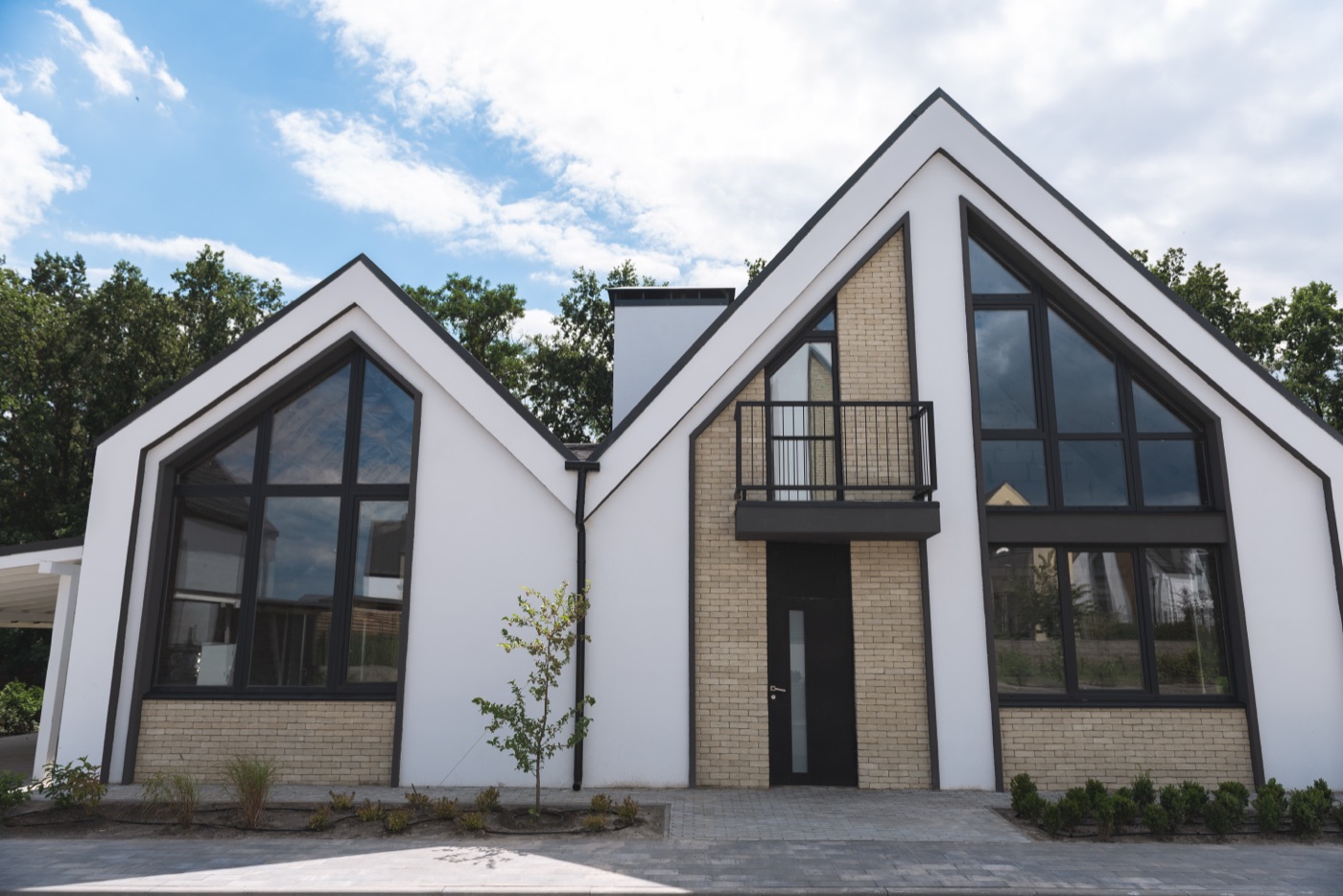
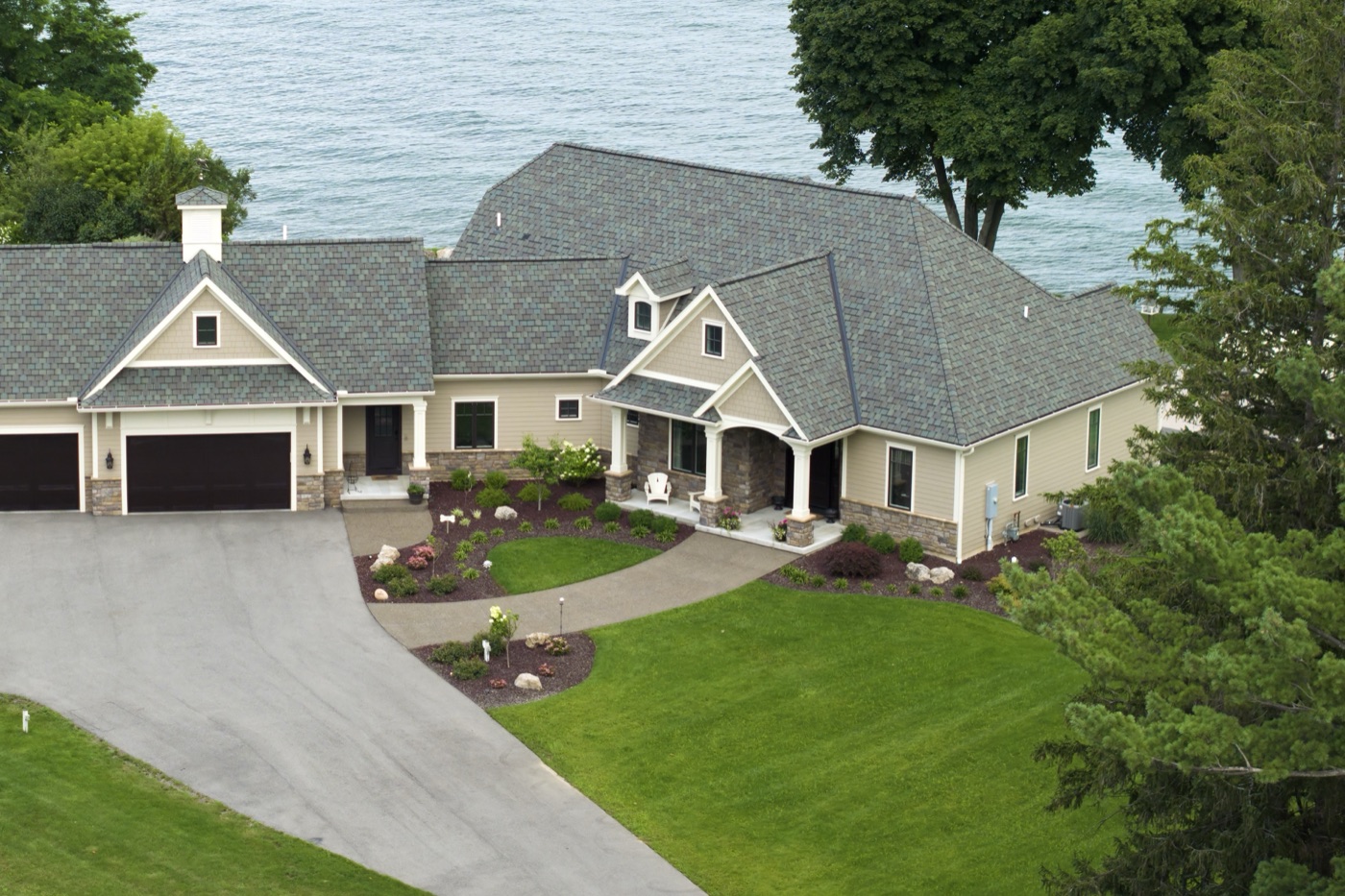
Hendrick’s Residence is one of four builds. Each has its own account, cards and budget, and the dashboard shows all of them as money moves.
Watching 4 projects.

Ask Arvis about this flow
Answers come from this walkthrough only
 Book a call with a specialist
Example job. Arvis explains this walkthrough only and can't advise on pricing, legal questions or your account.
Built for everyone who runs project money.



Start with one project.
Asset Card is where a project's money lives. It sits alongside the project software and accounting you already use, so there is nothing to rip out.
- 1
Open a project account
One account for the job, funded for that job.
- 2
Issue cards
Give the people who buy for the project their own cards.
- 3
Watch it live
Track budget against actual, invoice, and share access.