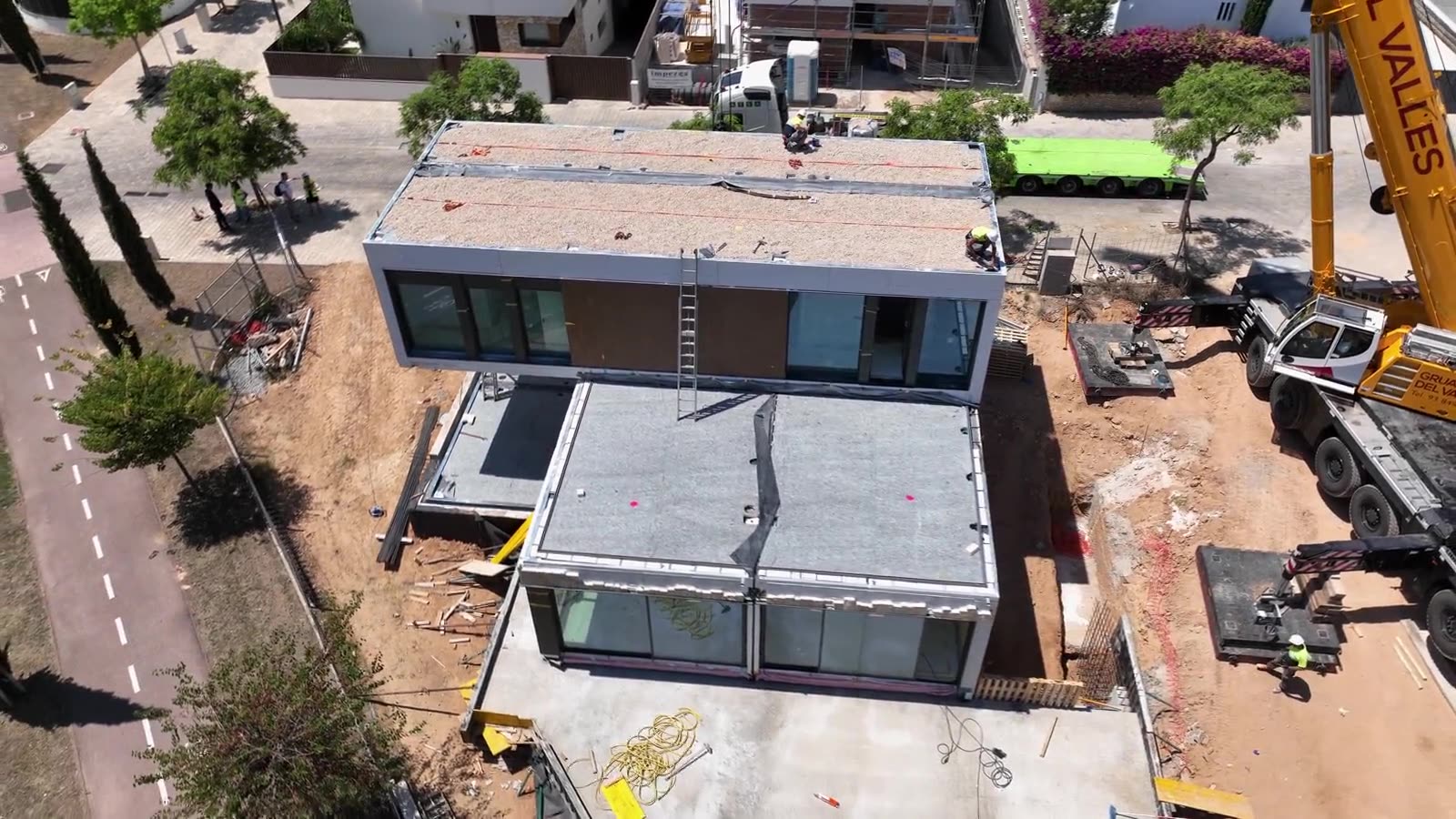
Construction buildsLive today
Every build gets its own account and cards.
Draws come in, crews swipe, subs get paid, and the job costs itself as it goes. Watch one custom home run from the signed contract to the profit and loss.
- Client draws
- Subs
- Materials
- Crew cards
How Asset Card helps
An account for every job, funded by that client’s draws, so one job never pays for another.
Crew cards with limits, so materials land on the right job the moment they are bought.
Sub and vendor bills approved in order, with a 6-digit code before any payment leaves.
Budget against actual by phase, and the job’s P&L, synced to QuickBooks.
Run one job through Asset Card.
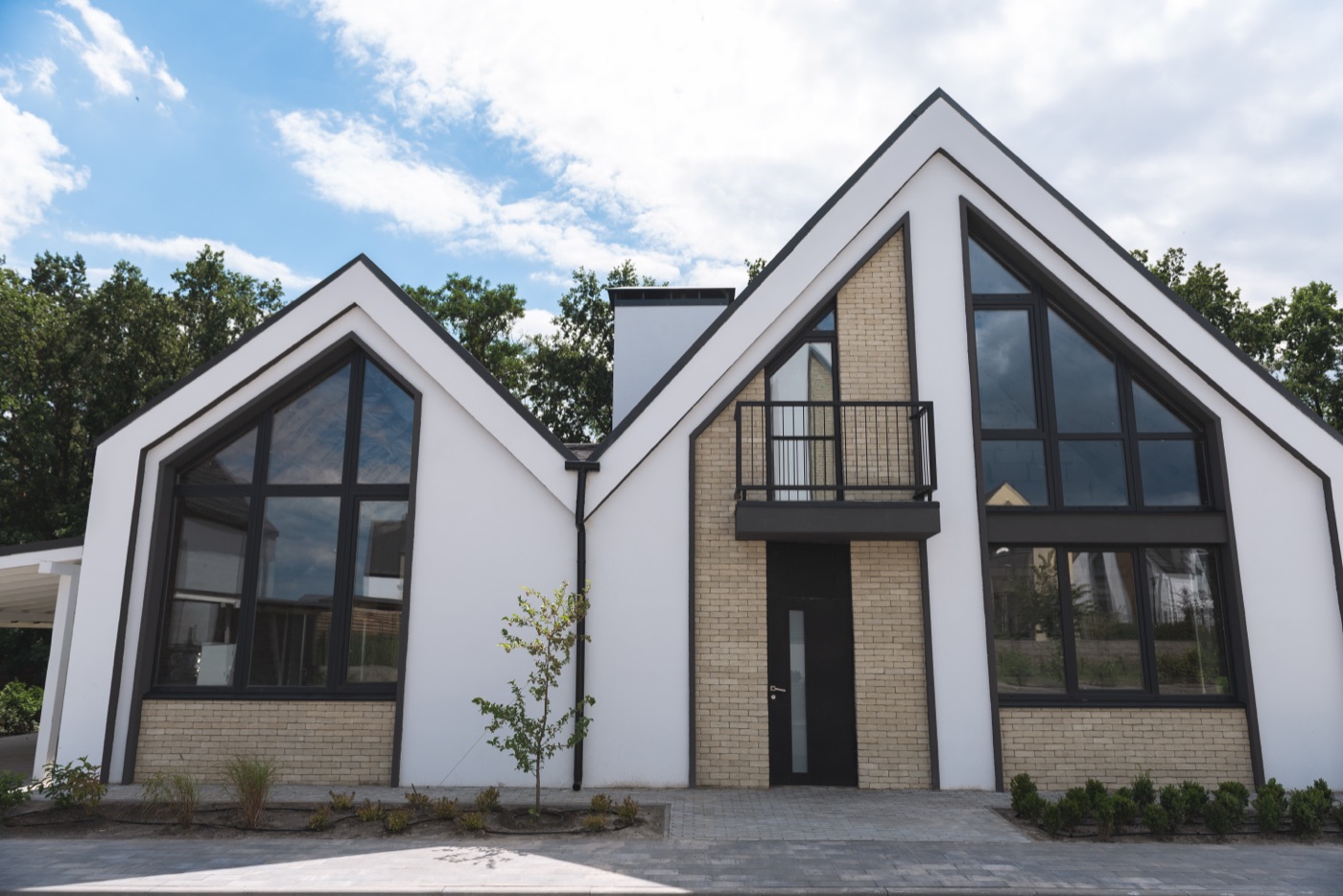
Hendrick’s Residence, a custom home, from the signed contract to the profit and loss.
Step 1 of 6 · Set up
Set up the job
Name it, set the budget and activate. Hendrick’s Residence gets its own account, then a sub-project for each phase.
Get your draws
Split the contract into payment installments, one per draw. The homeowner pays each one from the payment schedule, straight into the job’s account.
Spend from the job
Mike’s card is tied to this project, with a daily limit and blocked categories. Every swipe lands on the job as it happens.
Pay vendors and subs
Bills fill themselves in, wait for the approvals you set, and every payment needs a 6-digit code before it goes.
Code it with Arvis
Arvis suggests the GL and cost codes from your coding history, you apply them, and the receipt is attached to each charge.
Budget vs actual, and profit
At handover every sub-project shows spent against its budget, and the job’s profit and loss is ready, synced to QuickBooks.
Open a new project
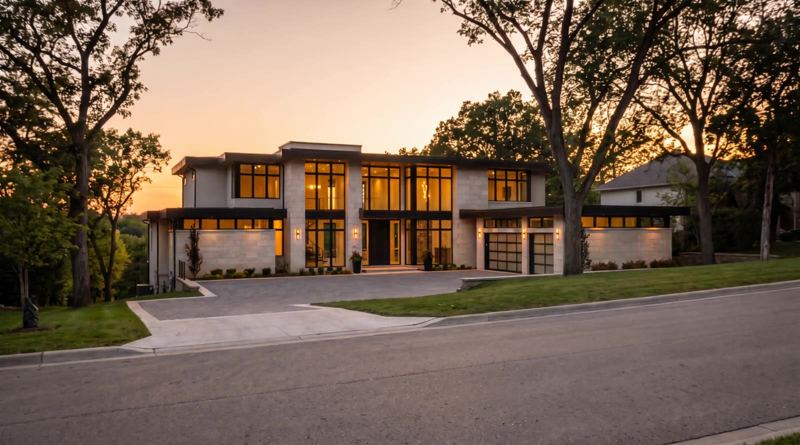
Hendrick’s Residence
So far in this example
Balance
$0
Received
$0
Spent
$0
Budget used
0%
See every step in this stage
What’s happeningStep 1 · Set up
- Open a new project
- Name it Hendrick’s Residence
- Set the projected budget at $1,150,000
- Add notes and the address
- Activate it
- Its own account opens, ••4821
- Add 5 sub-projects, each with its own budget
Dashboards and amounts shown are examples for illustration.
Now run four of them.
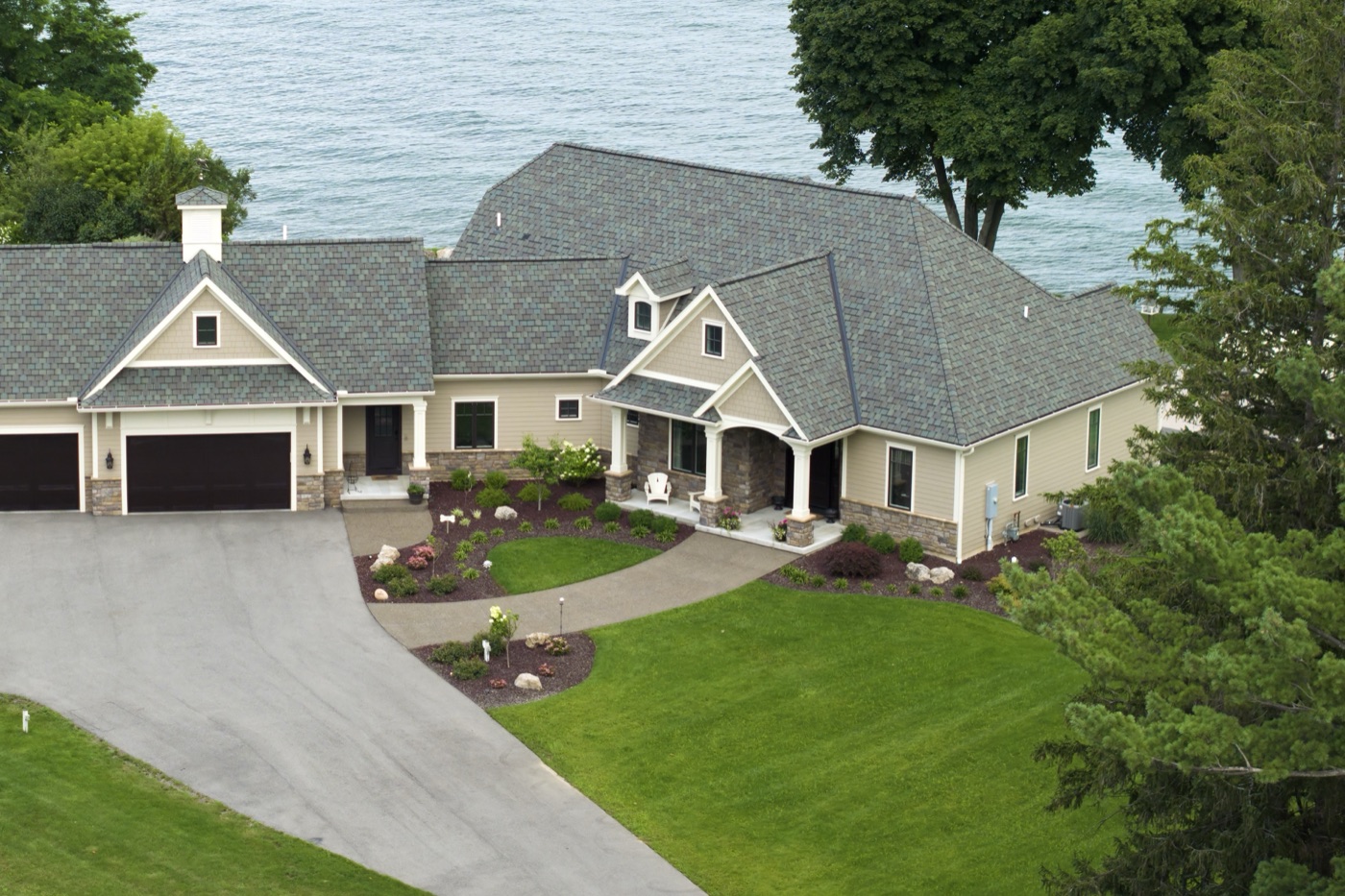
Hendrick’s Residence is one of four builds. Each has its own account, cards and budget, and the dashboard shows all of them as money moves.
Watching 4 projects.

Ask Arvis about this flow
Answers come from this walkthrough only
 Book a call with a specialist
Example job. Arvis explains this walkthrough only and can't advise on pricing, legal questions or your account.
If it has a budget, it gets its own account.
 Live todayYachtsCash calls, crew cards and APA, yacht by yachtSee how it works →
 Houses and estatesHousehold budgets, staff cards and contractor invoicesSee how it works →
 Events and festivalsTicket income, production cards and vendor paymentsSee how it works →
 Private aircraftOwner funding, crew cards and maintenance, tail by tailSee how it works →
 Car collectionsStorage, transport and restoration, all in one accountSee how it works →
 Racehorses and stablesPartner funding, trainer bills and barn cards, horse by horseSee how it works →
 Art collectionsStorage, conservation and shipping, coded as they happenSee how it works →
 Film and TV productionsFunding tranches, department cards and rental invoicesSee how it works →
 Farms and ranchesSale income, feed store cards and hay billsSee how it works →